Designing Your Personal Knowledge Hub: Simple SelfNote Workflows for Work, Home, and Creativity

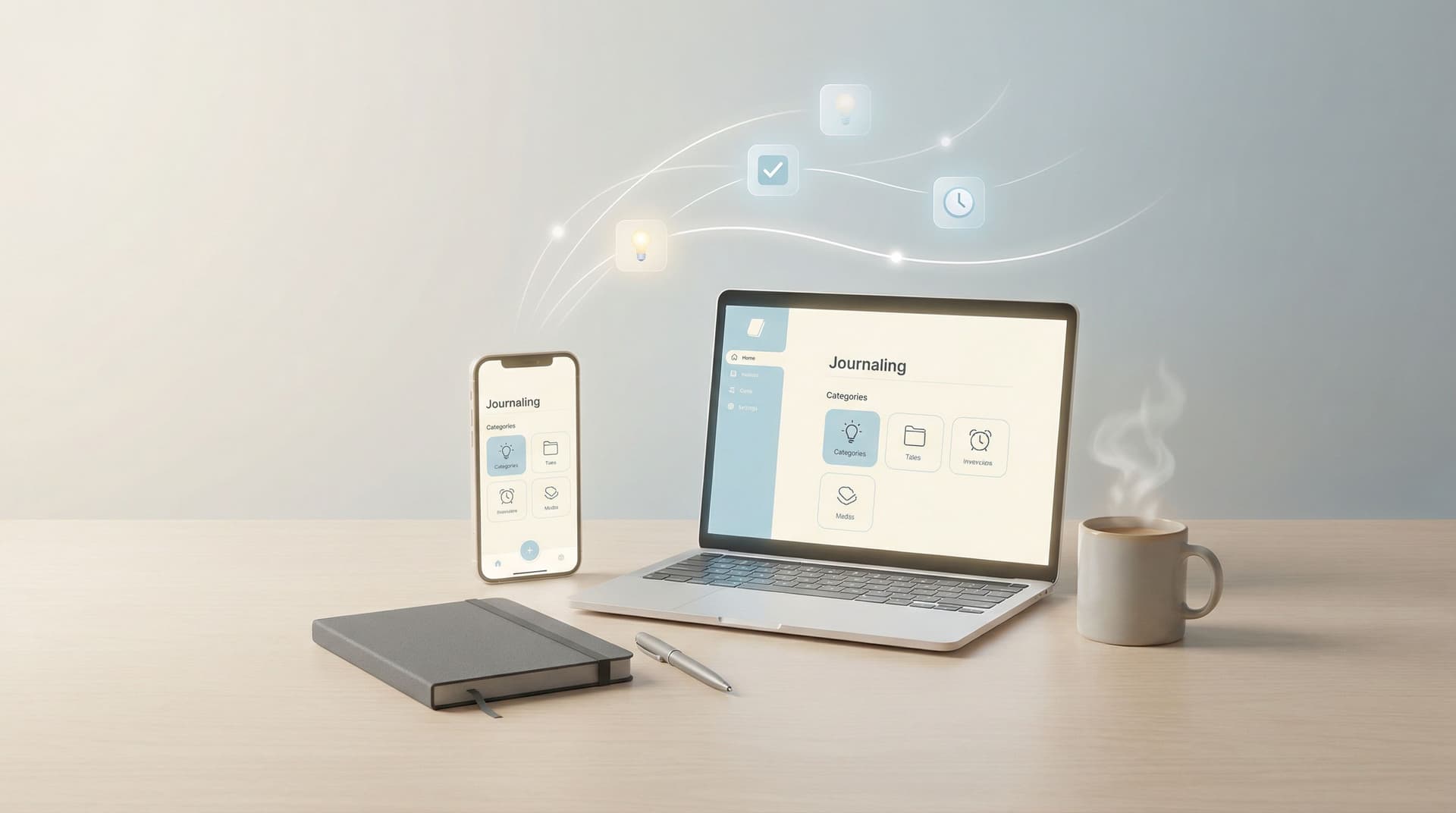
Building a personal knowledge hub isn’t about having perfect systems or color‑coded folders. It’s about having a calm, reliable place where your thoughts, tasks, ideas, and memories can land — even when life feels messy.
With an AI‑powered journal like SelfNote, you don’t have to design a complex structure in advance. You can simply record what’s on your mind, and let the app help you turn scattered notes into something organized, searchable, and genuinely useful.
This guide walks through simple, low‑friction workflows you can use with SelfNote at work, at home, and in your creative life. You can start with just one of them and grow from there.
Why a Personal Knowledge Hub Matters
Most of us are carrying too much in our heads:
- Work tasks and project details
- Family logistics and appointments
- Random ideas that appear in the shower or on a walk
- Dreams, worries, reflections, and lessons learned
When everything lives in your mind or in scattered apps, a few things usually happen:
- You forget ideas you actually care about
- You feel mentally “full” even when you’re not doing anything
- You waste time searching for things you know you wrote down somewhere
A personal knowledge hub gives you:
- A trusted inbox for life – one place where everything can land without judgment.
- Automatic structure – instead of manually tagging every note, SelfNote can categorize entries into tasks, reminders, dreams, reflections, and more.
- Searchable memory – you can come back to moments, ideas, and insights whenever you need them.
- More mental space – once your mind knows there’s a safe place to store things, it doesn’t have to hold on so tightly.
You don’t need to be “organized” to start. The hub makes you feel more organized over time.
Start with a Simple Capture Habit
Before thinking about structure or categories, focus on one thing: make capturing effortless. If it’s easy, you’ll actually do it.
Here’s a gentle way to begin with SelfNote:
-
Pick one main input method
- If you like talking: use quick voice notes.
- If you like writing: use short text entries.
- If ideas hit you on the go: keep the mobile app on your home screen.
-
Use one sentence at a time
You don’t need full journal entries. Some examples:- “Ask Sarah about Q1 budget on Monday.”
- “Idea: weekly family ‘wins of the week’ dinner question.”
- “Feeling restless after back‑to‑back meetings. Maybe I need a 10‑minute walk between calls.”
-
Let AI do the sorting
When you add a note, SelfNote can automatically recognize whether it’s a task, reminder, idea, dream, or reflection, and place it where it belongs. -
Don’t worry about being neat
Messy, incomplete, half‑formed notes are welcome. Your hub is there to catch them, not judge them.
Once capturing feels natural, you can begin shaping your hub around the main areas of your life.

Work: Turning Meetings and Chaos into Clear Next Steps
Work is where many people feel the most overwhelmed. Your personal knowledge hub can quietly sit in the background, catching details, decisions, and ideas — then surfacing what matters.
Below are simple workflows you can try with SelfNote without changing your entire work style.
1. The One‑Page Workday Log
Create a habit of logging your workday in tiny, quick entries:
-
At the start of the day:
“Today’s focus: finish slide draft, send contract to client, schedule 1:1 with Alex.” -
During the day (after a meeting or task):
“Marketing sync: agreed to test new onboarding email by Friday; I own the draft.” -
At the end of the day:
“Wins: closed support ticket backlog, clarified scope with design. Stuck: unclear timeline from vendor.”
How SelfNote helps:
- Automatically identifies tasks (“send contract to client”) and adds them to your actionable items.
- Stores decisions and context so you can search later: “What did we decide about onboarding emails?”
- Builds a quiet record of your progress over weeks and months.
Tip: Use the same phrase to start each daily entry, like “Work log – [date]”. This makes it easy to search and review.
2. Voice‑First Meeting Notes
If you find yourself scribbling notes you never look at again, try this instead:
-
Right after a meeting, record a 1–2 minute voice note into SelfNote:
- “Just finished product review with team. Key decisions: ship v1 without advanced filters; I’m responsible for FAQ draft by Thursday. Concerns: timeline tight, need QA support.”
-
Let AI transcribe and categorize:
- Tasks → “Draft FAQ by Thursday”, “Ask for QA support”
- Notes → Summary of decisions and concerns
-
Later, you can search by person, topic, or project name to recall what happened.
This workflow keeps the friction low: talk, save, move on.
3. Weekly Work Reflection
Once a week, set aside 10 minutes to reflect in SelfNote:
- “What went well at work this week?”
- “What drained my energy?”
- “What did I learn about how I like to work?”
The app can categorize these as reflections or journal entries, and over time you’ll see patterns:
- Projects that energize you
- Meetings that consistently feel heavy
- Work rhythms that support your focus
Your knowledge hub becomes not just a record of tasks, but a quiet guide for better decisions.
Home: Lightening the Mental Load of Everyday Life
Home life comes with a different kind of complexity: appointments, chores, kids’ activities, errands, and emotional moments that matter just as much as work.
Your hub can gently hold all of this without turning your home into a project.
4. Shared Life Logistics (Even If Others Don’t Use the App)
You can use SelfNote as your personal command center, even if your partner, roommates, or family members use different tools.
Examples of quick entries:
- “Dentist appointment for Maya – March 14 at 3pm.”
- “Buy birthday gift for Dad by the 25th.”
- “Groceries: oats, yogurt, spinach, coffee.”
SelfNote can:
- Turn time‑specific entries into reminders.
- Recognize shopping lists and keep them easy to find.
- Keep all family‑related notes in one searchable place.
You might still put events on a shared calendar, but your hub holds the messy in‑between details.
5. Gentle Family Journaling
You don’t need to write long letters to create a meaningful family record. Try:
-
One short note per day:
“Today, Liam learned to ride his bike without training wheels.” -
Quick moments you don’t want to forget:
“Funny quote from Emma: ‘I think the moon is following our car.’” -
Small gratitude entries:
“Grateful for quiet reading time on the couch after dinner.”
Over time, SelfNote becomes a living scrapbook you can search by name, age, or theme.
6. Calm Home Reviews
Once a week or once a month, you can gently review:
- What felt good at home this week?
- What felt heavy or rushed?
- Is there one small change that could make next week easier?
You’re not trying to “optimize” your life. You’re just listening to it more closely, with help from your notes.

Creativity: Capturing Ideas Before They Drift Away
Creative ideas rarely arrive on schedule. They show up while you’re walking the dog, washing dishes, or half‑asleep.
A personal knowledge hub lets you:
- Catch ideas immediately, without needing a “perfect” notebook
- Organize them later with the help of AI
- Return to old ideas when you’re ready to create
Here are simple creative workflows with SelfNote.
7. Idea Inbox for Everything
Anytime you have a creative thought, drop it into SelfNote:
- “Short story idea: a character who can only remember things other people forget.”
- “Song lyric fragment: ‘The quiet between the storms we choose.’”
- “Workshop idea: ‘How to build a gentle productivity system.’”
The app can tag and group these as ideas, projects, or creative notes, so you don’t have to.
Later, when you sit down to write, paint, or plan, you can open your idea inbox and pick something that speaks to you.
8. Project Seeds and Expansions
When an idea starts to feel like a real project, create a simple structure around it.
For example, if you’re writing a blog series:
- Create a note: “Blog series: Gentle productivity”
- Add quick bullets whenever something comes to mind:
- “Post about micro‑wins at work”
- “Post about guilt‑free rest”
- “Include examples from my own week”
- Record voice notes when you’re walking, and let SelfNote attach them to the same theme or project.
You don’t need a formal project management tool. Your hub holds the fragments until you’re ready to organize them further.
9. Reflection as Creative Fuel
Creativity isn’t just about generating ideas; it’s also about noticing your own patterns.
Try occasional reflections like:
- “When do ideas tend to show up for me?”
- “What helps me get started when I feel blocked?”
- “Which creative projects actually feel nourishing?”
Over time, reviewing these reflections in SelfNote can help you design a creative rhythm that matches who you are, not who you think you should be.
Keeping Your Hub Light and Sustainable
A personal knowledge hub should feel like a soft landing place, not another obligation. Here are a few principles to keep it that way.
Let AI Do the Heavy Lifting
You don’t have to:
- Manually tag every note
- Decide on the “perfect” folder structure
- Plan your whole system upfront
Instead, you can:
- Capture freely in SelfNote
- Let AI categorize entries into tasks, reminders, dreams, reflections, and more
- Use search to find what you need, when you need it
Embrace Imperfect Consistency
You might:
- Capture notes every day for a week, then skip a few days
- Forget to log a meeting
- Miss a weekly review
That’s okay. Your hub is always ready for the next note. There is no streak to protect and nothing to reset.
Use Tiny Check‑Ins
Instead of long planning sessions, try:
- 2 minutes in the morning – glance at your tasks and reminders in SelfNote and choose one or two that matter today.
- 2 minutes after work – record one short reflection or win.
- 2 minutes before bed – drop any lingering thoughts so your mind can rest.
These small touchpoints keep your hub alive without demanding much from you.
A Simple Way to Begin
You don’t need to set up everything at once. If you’d like to start gently, here’s a small, realistic path:
- Install SelfNote on your phone or open it in your browser.
- For three days, use it as your only place to:
- Capture work tasks and decisions
- Note one small moment from home
- Save any creative idea that appears
- At the end of day three, open SelfNote and browse what you’ve captured. Notice:
- What categories AI created for you
- Which notes feel most valuable
- Where you might want a simple routine (morning check‑in, end‑of‑day log, weekly review)
From there, adjust gently. Add one new habit at a time. Let your hub grow with you.
Summary
Designing a personal knowledge hub isn’t about building a rigid system. It’s about:
- Giving your thoughts, tasks, and ideas a safe, central place to land
- Letting tools like SelfNote automatically organize what you capture
- Supporting your work, home life, and creativity with simple, repeatable workflows
- Keeping everything light, flexible, and humane, so your system serves you — not the other way around
By starting with simple practices like a workday log, short family notes, and an idea inbox, you create a hub that quietly supports you in the background.
Take Your First Gentle Step
If you’ve been waiting to feel “ready” before setting up a system, consider this your invitation to begin small.
Open SelfNote and:
- Record one thought about work
- Capture one small moment from home
- Save one creative idea you don’t want to lose
That’s enough to start your personal knowledge hub.
You don’t have to do it perfectly. You just have to give your mind a softer place to put the things it’s been holding for you.