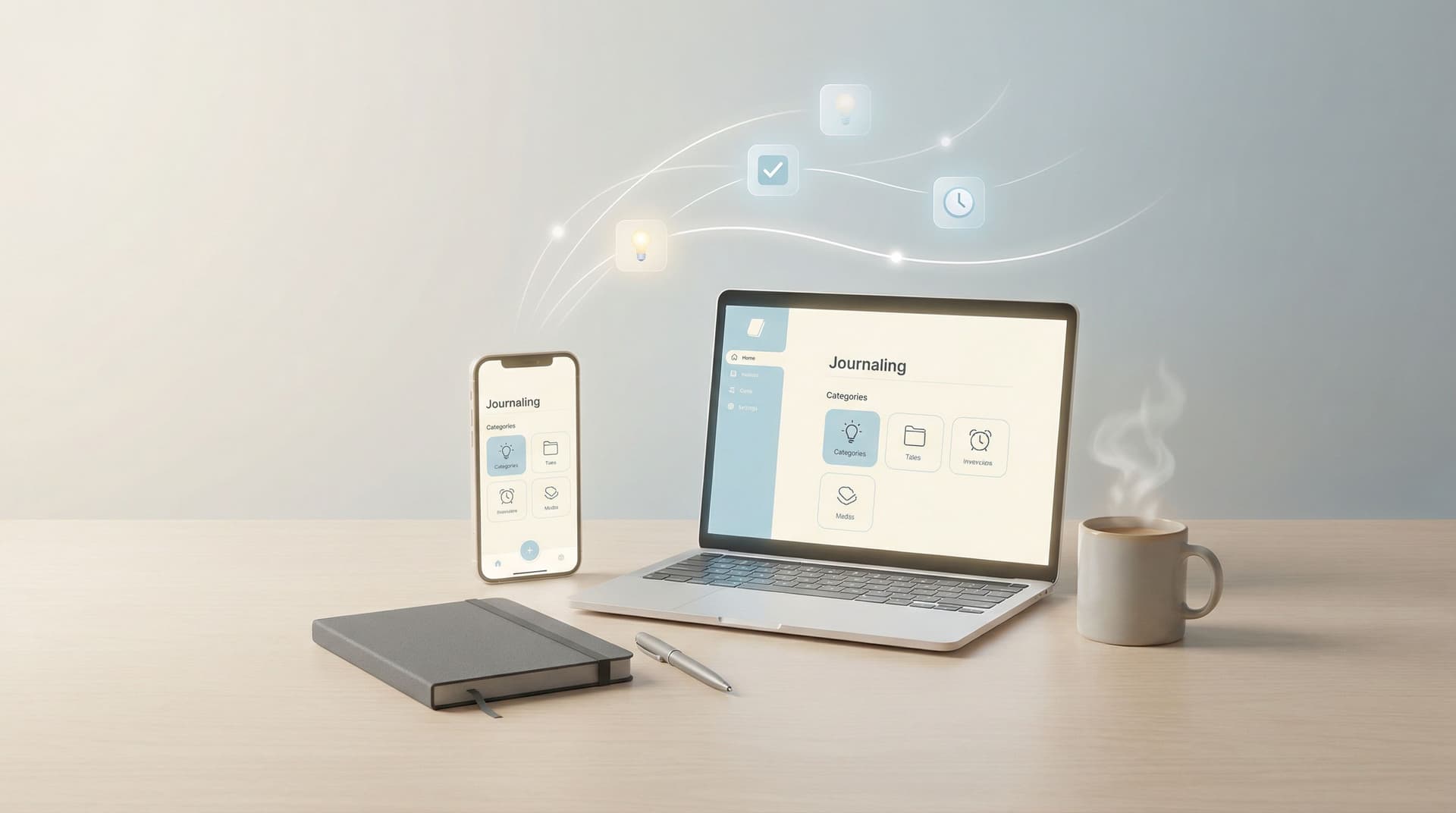
Journaling for People Who Don’t Journal: Low-Pressure Ways to Start Using SelfNote Every Day


If you’ve ever bought a beautiful notebook and then let it sit empty, this is for you.
You might like the idea of journaling—being more reflective, remembering more of your life, feeling a bit more organized—but the reality doesn’t match:
- You’re tired at the end of the day.
- You don’t know what to write.
- You don’t want another “habit” to feel guilty about.
You’re not alone. Surveys suggest that while many people say journaling helps with clarity and emotional well‑being, only a small fraction journal consistently. The gap isn’t interest—it’s friction. Long writing sessions, rules, and expectations make journaling feel heavier than it needs to be.
SelfNote exists for people exactly in this in‑between space: you want the benefits of journaling, but you don’t want a whole new project. You want something you can use in 10 seconds between meetings, while walking the dog, or replying to WhatsApp.
This guide is a gentle invitation: low-pressure ways to start using SelfNote every day, even if you’ve “failed” at journaling before.
Why bother journaling at all (especially if you’re not a “journal person”)?
You don’t need a grand vision to start journaling. A few simple benefits are enough:
1. You stop relying on memory for everything.
Ideas, small wins, worries, and random thoughts don’t have to live only in your head. When you offload them somewhere safe, your brain can relax a bit.
2. You get a clearer picture of what actually matters to you.
Patterns show up when you record even small moments:
- The same worry appears three days in a row.
- You keep mentioning a project you “want to start someday.”
- Certain people, places, or activities come up when you feel good.
3. You feel more grounded.
Journaling doesn’t have to be deep. Just noting, “Today was heavy, but I handled more than I expected” can give you a quiet sense of stability.
4. You gain a living archive of your life.
You don’t need to write essays. Short notes and voice snippets still add up to a timeline you can search later: “When did I decide to change jobs?” or “What were my goals last summer?”
Tools like SelfNote make this easier by turning your rough, unpolished notes into something you can actually use later—automatically categorizing them into reminders, tasks, dreams, and more.
If you want a simple, time-boxed way to begin, you might also like our other guide, From Scattered Thoughts to Searchable Memory: How to Start Journaling with SelfNote in 5 Minutes a Day.
The mindset shift: journaling as “dropping things on the table”
Traditional journaling often comes with quiet pressure:
- I should write every day.
- I should write something meaningful.
- I should be consistent.
Instead, try this mindset:
Journaling is just dropping things on the table so you don’t have to hold them.
That’s it.
You don’t have to:
- Finish the story.
- Explain why you feel something.
- Make it sound smart.
With SelfNote, you can jot a half-sentence or record a 10‑second voice note. The app’s AI will:
- Turn it into text.
- Categorize it (task, reminder, idea, memory, etc.).
- Make it searchable later.
Your only “job” is to drop things on the table.

Tiny, low-pressure ways to use SelfNote every day
You don’t need a journaling ritual. You just need a few simple entry points that fit into your existing day.
Below are gentle patterns you can try. Pick one that feels easiest and ignore the rest for now.
1. The “one line about today” note
At some point in your day—morning coffee, lunch break, or right before bed—open SelfNote or send a quick WhatsApp message to it and write one line about your day.
Examples:
- “Tired but proud I finally emailed my manager about that project.”
- “Walked in the park after work; felt like I could breathe again.”
- “Overwhelmed by the house mess—need a simple cleaning plan.”
That’s enough.
Over time, SelfNote quietly builds a timeline of your days. You can scroll back or search by mood, topic, or keyword.
How to make it stick without pressure:
- Pair it with something you already do: brushing teeth, making tea, or plugging in your phone at night.
- Tell yourself: If I miss a day, I just pick it up the next day. No catching up.
2. The “talk instead of type” voice habit
If typing feels like work, talk instead.
With SelfNote, you can record a quick voice note, or send a voice message via WhatsApp. The app will:
- Transcribe what you said.
- Organize it into relevant categories.
- Make it searchable without you doing any extra work.
Use this when:
- You’re walking or commuting.
- You’re cooking or folding laundry.
- You’re too tired to type but your mind is still busy.
Try prompts like:
- “Here’s what’s spinning in my head right now…”
- “If I had to sum up today in 20 seconds…”
- “One thing I want to remember from today is…”
This turns everyday moments into gentle journal entries—without ever sitting down to “write.”
3. The “future you will thank you” reminder
Not all journaling is emotional. A lot of it is simply leaving helpful breadcrumbs for your future self.
Whenever you think, “I’ll remember this,” assume you won’t.
Instead, drop it into SelfNote:
- “Dentist appointment on March 3 at 3pm.”
- “Ask Sarah about her new budgeting app next time we talk.”
- “Remember to bring snacks for the kids’ game on Saturday.”
SelfNote can:
- Recognize dates and times.
- Turn notes into reminders or tasks.
- Send daily WhatsApp reminders about what matters to you.
You don’t have to open a calendar, create a to‑do list, or manage another app. You just speak or type naturally, and the system handles the structure.
If you’re interested in going deeper with this idea, you might like Designing Your Personal Knowledge Hub: Simple SelfNote Workflows for Work, Home, and Creativity.
4. The “emotion check-in” that takes 30 seconds
You don’t need to unpack your entire emotional life. A tiny check-in can still help you notice patterns.
Once a day (or a few times a week), send SelfNote a quick check‑in:
- “Feeling anxious about money; not sure where to start.”
- “Calm after talking to my friend—good reminder that I don’t have to handle everything alone.”
- “Irritated and don’t know why yet.”
Over time, you can search or skim these notes to see:
- What tends to trigger stress.
- What reliably calms or energizes you.
- How your mood shifts around certain projects, people, or routines.
This doesn’t require perfect self-awareness—just honest, simple sentences.

5. The “idea parking lot” for your brain
If your brain throws ideas at you when you’re trying to focus or fall asleep, you don’t need another productivity system. You just need a safe parking lot.
Use SelfNote as your idea inbox:
- Business ideas
- Creative projects
- Books to read
- Questions to research later
Examples:
- “Podcast episode idea: how people actually use small pockets of time.”
- “Look up simple recipes with five ingredients or less.”
- “Maybe I want to start a tiny newsletter about weekend experiments.”
SelfNote will store and organize these so you don’t have to decide what to do with them immediately. Later, you can:
- Search for “podcast,” “recipe,” or “newsletter.”
- Group related ideas.
- Turn a few into tasks or next steps.
This way, your mind can relax because it knows: “I captured it. I don’t have to remember it now.”
Using WhatsApp with SelfNote: journaling where you already are
One of the biggest barriers to journaling is having to remember to open a specific app.
SelfNote reduces that friction by letting you:
- Send text messages through WhatsApp as journal entries.
- Send voice notes that get transcribed and organized.
- Receive daily reminders on WhatsApp about the things you said matter.
This means journaling can look like sending a message to a trusted friend—only that friend happens to be an AI that:
- Remembers everything for you.
- Sorts notes into tasks, reminders, dreams, or reflections.
- Surfaces what’s important when you need it.
If opening a new app feels like a hurdle, start by pretending you’re just texting your day to yourself.
Gentle routines that don’t require perfection
You don’t need a strict schedule, but a few soft anchors can help you use SelfNote without thinking too much.
Here are some options. Choose one to experiment with:
Morning starter
- While waiting for your coffee or tea, send one note:
- “Here’s what I’m hoping for today…”
- “If I only get one thing done, I want it to be…”
SelfNote can turn these into tasks or reminders automatically.
Midday reset
- After lunch or between meetings, record a 20‑second voice note:
- “Here’s what’s working so far today…”
- “Here’s what’s feeling heavy…”
This can help you adjust your afternoon with more intention.
Evening reflection
- Before bed, type or speak one short reflection:
- “One thing I want to remember from today is…”
- “One thing I handled better than I expected was…”
Even if you miss a day (or a week), there is no penalty. You simply start again with the next small note.
Let SelfNote do the organizing so you don’t have to
A big reason people avoid journaling is the fear of creating yet another pile of unstructured notes.
SelfNote is designed to prevent that.
When you send a note—text or voice—it can:
- Detect tasks and reminders and surface them when they’re relevant.
- Tag themes like work, family, health, or creativity.
- Group related notes so you can see everything about a project, person, or idea in one place.
You don’t have to:
- Decide where each note should go.
- Create a folder structure.
- Maintain a complex system.
If you’d like more ideas for how this can look across different parts of your life, you can explore Designing Your Personal Knowledge Hub: Simple SelfNote Workflows for Work, Home, and Creativity.
A simple place to begin (no overhaul required)
If you’re still feeling hesitant, here’s a very small starting point:
-
Sign up for SelfNote.
Connect WhatsApp if that’s where you naturally spend time. -
Choose one tiny pattern from this post:
- One line about today
- A 20‑second voice note
- A single reminder for your future self
-
Do it once per day for three days.
Not 30 days. Just three. -
After three days, open SelfNote and skim what you’ve captured.
Notice how even a few small entries already:- Lighten your mental load.
- Capture details you might have forgotten.
- Start to show what matters to you.
If it feels helpful, keep going. If it doesn’t, you haven’t lost anything—you simply experimented.
Bringing it all together
You don’t have to become “a journaler” to benefit from journaling.
With SelfNote, journaling can be:
- A single sentence about your day.
- A quick voice note while walking the dog.
- A reminder your future self will be grateful for.
- A safe parking lot for ideas and emotions.
You’re not aiming for a perfect record of your life. You’re simply giving your mind a softer place to put things.
Try one tiny note today
If you’re curious, here’s your invitation:
- Open SelfNote (or send it a WhatsApp message).
- Write or say one small thing:
- “Here’s what’s on my mind right now…”
- “One thing I want to remember from today is…”
Then let the app handle the rest—organizing, categorizing, and reminding you when it matters.
You don’t have to change your whole routine. You just have to give yourself a softer way to carry your thoughts, one tiny note at a time.