From Mental Load to Simple Lists: Using SelfNote to Gently Organize Tasks, Reminders, and Ideas

If your mind feels like an overflowing browser with too many tabs open, you’re not alone.
You remember a bill while brushing your teeth. You think of a gift idea in the car. You promise to follow up with a friend, then worry you’ll forget. None of these things are huge on their own—but together, they create a quiet background stress: What am I forgetting?
This invisible weight is your mental load. And it’s exhausting.
The good news: you don’t need a strict system, a perfect planner, or more willpower to lighten it. You just need a gentle, low-friction way to move thoughts out of your head and into a place that can hold them for you.
That’s where an AI-powered journal like SelfNote can help.
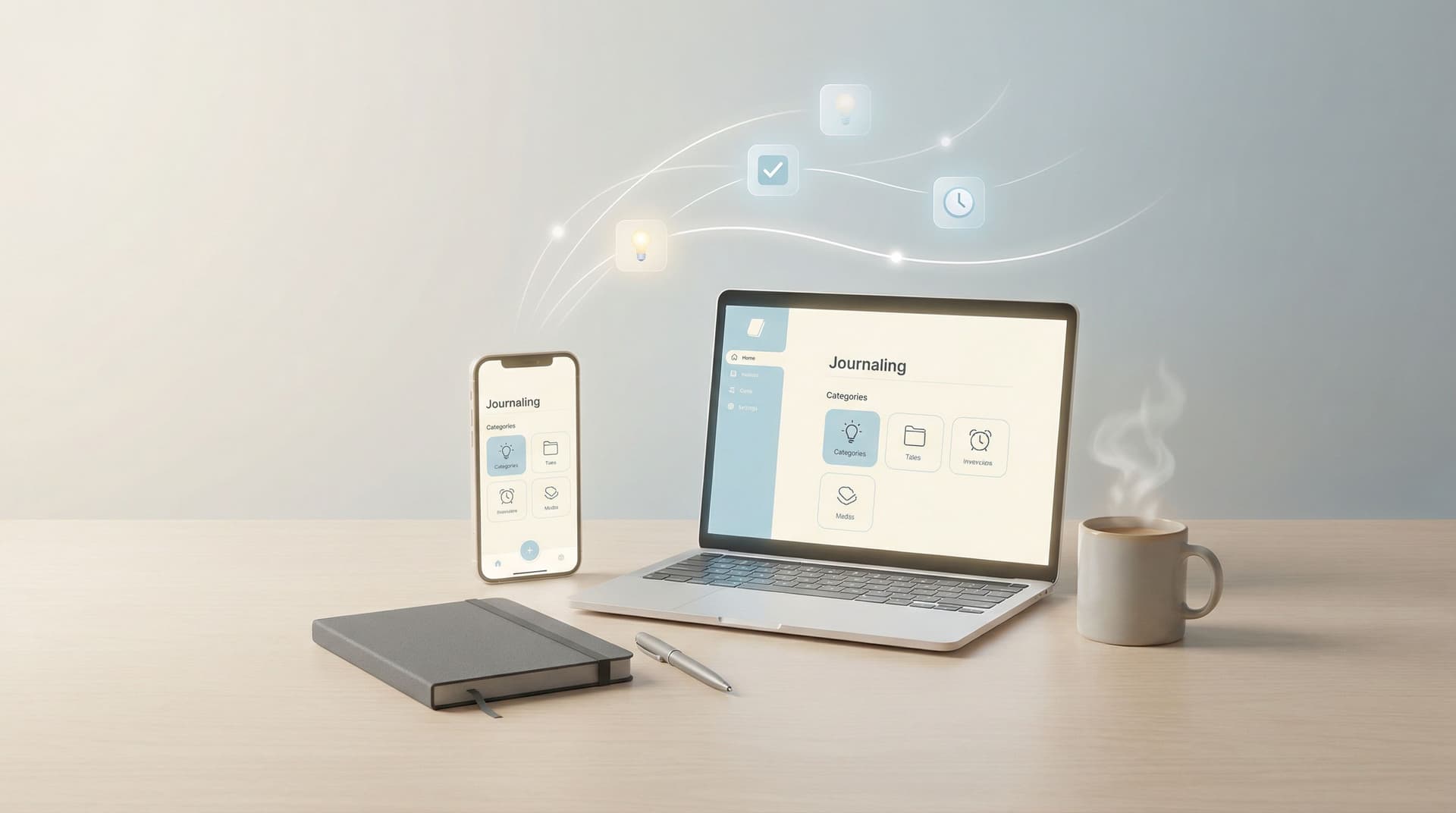
SelfNote lets you quickly capture what’s on your mind—by typing, speaking, or even sending a WhatsApp message—and then automatically organizes it into tasks, reminders, ideas, dreams, and more. Instead of building a complex system, you simply drop things in, and let the app do the sorting.
This post will walk through how to move from a heavy mental load to simple, calm lists using SelfNote—in a way that’s kind to your energy and easy to keep up with.
Why Mental Load Feels So Heavy
Mental load isn’t just “having a lot to do.” It’s the constant tracking, remembering, and planning that happens in the background:
- Remembering birthdays and appointments
- Keeping track of work deadlines
- Managing household tasks
- Holding onto ideas you don’t want to lose
- Worrying you’ve forgotten something important
Psychologists sometimes describe this as a form of cognitive load: the amount of working memory you’re using at any moment. When that load is too high, it becomes harder to focus, relax, or be present—even when you’re not actively doing anything.
You might notice:
- You lie in bed replaying what you need to do tomorrow
- You find it hard to start tasks because everything feels tangled together
- You feel guilty for forgetting small things (texts, errands, follow-ups)
A simple, trustworthy list can be surprisingly powerful here. Not because it makes you more “productive,” but because it gives your mind permission to let go.
The Gentle Shift: From Holding Everything to Capturing Everything
Many people resist task systems or journaling because they imagine it needs to be:
- Beautiful
- Complete
- Consistent
- Done “the right way”
That pressure alone can keep you from starting.
Instead, try a different rule:
If it matters enough to think about twice, it deserves a place outside your head.
The goal isn’t perfection; it’s relief.
SelfNote is designed for this kind of low-pressure capture. You don’t have to decide upfront whether something is a task, a reminder, a reflection, or an idea. You can just:
- Type a quick note in the app
- Record a short voice memo
- Send a WhatsApp message like you’re texting a friend
From there, the AI helps sort and categorize what you’ve said into simple, useful buckets.
If you’ve ever felt guilty about “failing” at journaling or planning, you might like our post on Journaling for People Who Don’t Journal: Low-Pressure Ways to Start Using SelfNote Every Day. It expands on this idea of dropping the rules and starting small.
Step 1: Create a No-Pressure Inbox for Your Brain
Before you worry about lists, categories, or schedules, start with this: a single place where everything can land.
With SelfNote, that “inbox” can be:
- The main note screen in the app
- A WhatsApp chat with your SelfNote number
- A voice recording inside the app when typing feels like too much
For the first few days, don’t overthink it. Just practice getting things out of your head:
- “Pay electricity bill Friday”
- “Ask Sam about the presentation slides”
- “Look up easy vegetarian dinners”
- “Idea: weekend walk with mom at the park”
You can even speak in a stream-of-consciousness way:
“I’m worried I’ll forget to schedule the dentist, and I also need to buy dog food, and I should really set aside time for that writing project.”
SelfNote will parse this and start to understand what’s a task, what’s a reminder, what’s more of a reflection.
Helpful mindset:
- You’re not building a system.
- You’re building trust that you don’t have to remember everything on your own.

Step 2: Let the AI Turn Chaos into Simple Lists
Once you start capturing, the magic is in the automatic organizing.
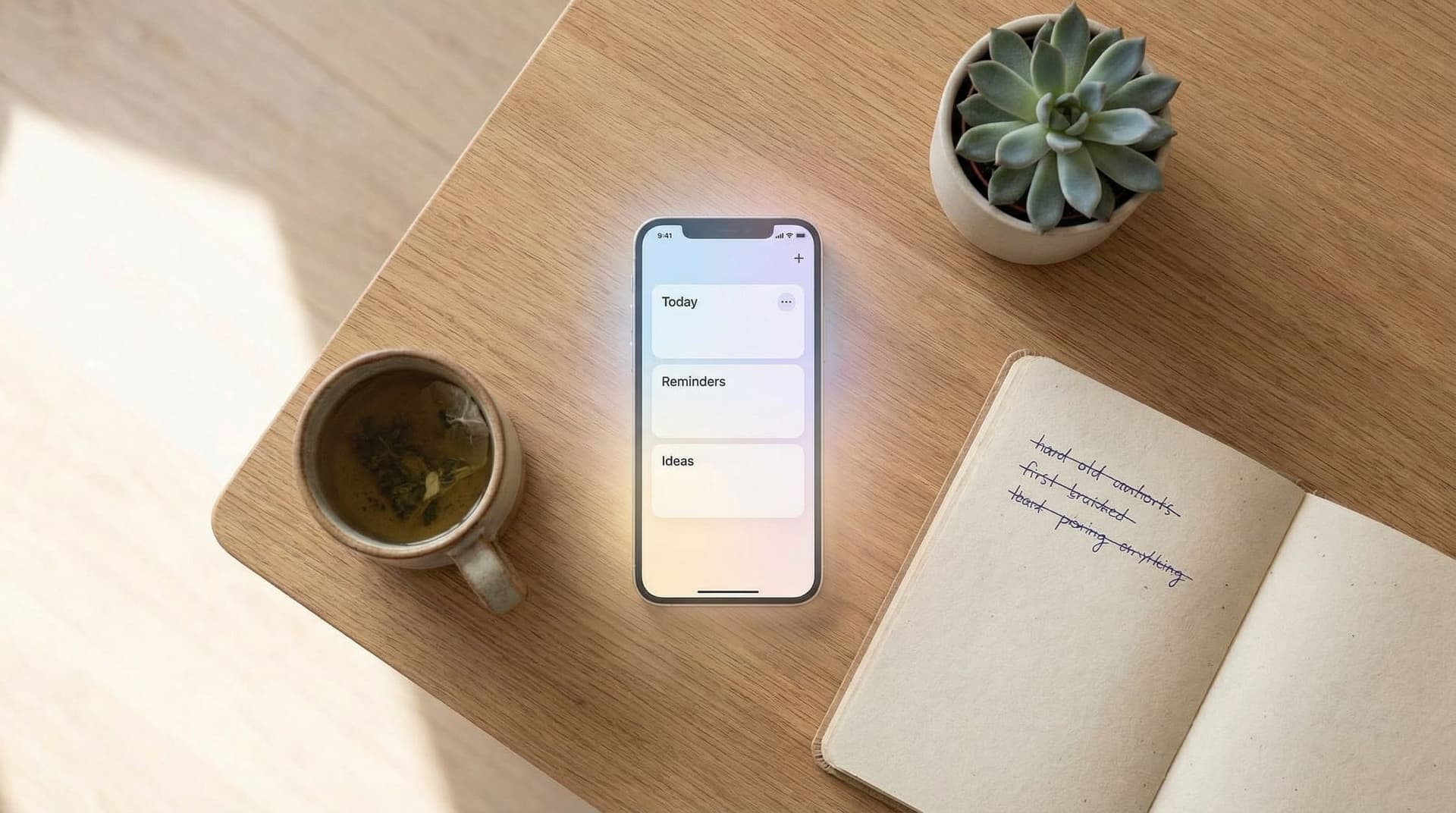
SelfNote can categorize your entries into things like:
- Tasks – things you want to do
- Reminders – things you don’t want to forget
- Ideas – thoughts you might want to return to
- Dreams / reflections – more personal or reflective notes
You don’t have to manually tag each note. You can just write normally:
- “Don’t forget to call grandma on Sunday.” → Reminder
- “Brainstorm names for new side project.” → Idea
- “Buy a birthday card for Alex.” → Task
Over time, you’ll open SelfNote and see what used to live only in your head now living in simple, searchable lists.
Why this matters:
- You get the relief of knowing things are stored safely
- You don’t waste energy deciding where everything goes
- You can return to what you captured without digging through scattered apps and sticky notes
If you’d like a gentle, 5-minute way to begin this habit, our guide From Scattered Thoughts to Searchable Memory: How to Start Journaling with SelfNote in 5 Minutes a Day walks through a simple daily rhythm.
Step 3: Use WhatsApp as Your “Thinking Out Loud” Channel
One of the biggest sources of friction with any tool is having to open it.
SelfNote reduces that friction by letting you send notes through WhatsApp. That means you can:
- Capture thoughts while walking, commuting, or taking a quick break
- Speak or type naturally, like you’re messaging a friend
- Reply easily when SelfNote sends you daily reminders
A few examples of what you might send:
- “Reminder: renew car registration next month.”
- “Task: clear out email inbox on Saturday morning.”
- “Note: I felt really energized after that meeting—maybe I should do more of that kind of work.”
Behind the scenes, SelfNote will:
- Recognize what’s a task vs. a reminder vs. a reflection
- Add it to the right place in your journal
- Make it easy to find later with search
The point isn’t to be formal or structured. It’s to make capturing so easy that you actually do it, even on low-energy days.
Step 4: Let Daily Reminders Gently Nudge You
Another source of mental load is the fear that you’ll forget something important.
SelfNote helps here by sending daily WhatsApp reminders about things that matter to you. These aren’t meant to be nagging notifications—they’re more like a kind friend saying, “Here are a few things you wanted to remember.”
You might see:
- A task you captured earlier in the week
- A reminder you set for a specific day
- An idea you didn’t want to lose track of
You can respond directly in WhatsApp to:
- Mark something as done
- Ask SelfNote to reschedule or remind you later
- Add a quick update or reflection
Over time, this creates a gentle loop:
- You capture what’s on your mind.
- SelfNote organizes it.
- You get small, timely reminders.
- Your brain learns it can relax a little.
Step 5: Keep It Simple with a Few Core Lists
It’s tempting to build elaborate systems with many categories, but complexity can become its own mental load.
Instead, let SelfNote do the heavy lifting, and think in terms of just a few simple views:
- Today / This Week – What feels realistic to touch soon?
- Important but Not Urgent – Things you don’t want to lose, even if they don’t have a deadline
- Ideas & Someday – Projects, dreams, and possibilities
You can review these briefly:
- Once in the morning (2–3 minutes)
- Once in the evening (2–3 minutes)
During these mini check-ins, you might:
- Mark a few tasks as done
- Move something to next week
- Add a small note about how the day felt
If you’re curious about shaping these into a broader system for work, home, and creativity, you might enjoy Designing Your Personal Knowledge Hub: Simple SelfNote Workflows for Work, Home, and Creativity.

Step 6: Let Your Journal Hold More Than Just Tasks
Mental load isn’t only about to-dos. It’s also about feelings, questions, and half-formed ideas you’re carrying.
Because SelfNote is a journal as well as a task organizer, you can:
- Record how a day felt, not just what you did
- Capture dreams, worries, or hopes
- Note patterns you’re noticing over time
Examples of entries that aren’t “tasks” but still lighten your mind:
- “I felt really drained after back-to-back meetings; maybe I need a buffer next time.”
- “Idea: try a Sunday evening reset—plan meals, check calendar, light a candle.”
- “I’m proud of myself for saying no to that extra project.”
Over time, you can search and revisit these reflections. You’re not just getting things done; you’re getting to know yourself better.
Step 7: Start Where You Are, Not Where You Think You “Should” Be
It’s easy to turn any new tool into another standard to measure yourself against.
Try this instead:
- No streaks. You don’t have to use SelfNote every day for it to be helpful.
- No rules. One-word notes are allowed. Messy voice memos are allowed.
- No guilt. If you ignore it for a week, you can simply come back.
A few gentle ways to begin:
- Capture three things weighing on your mind right now. Don’t organize them. Just drop them into SelfNote.
- Send one WhatsApp message today with something you don’t want to forget.
- Notice how you feel after emptying even a tiny bit of your mental load.
The shift from “I have to remember everything” to “I have a place that remembers with me” doesn’t happen all at once. It builds, one small captured thought at a time.
Bringing It All Together
Moving from mental load to simple lists isn’t about becoming a new person. It’s about giving your current self better support.
With SelfNote, that support looks like:
- A no-pressure inbox for everything on your mind
- Automatic categorization into tasks, reminders, ideas, and reflections
- WhatsApp capture and reminders so you don’t have to open an app every time
- Gentle daily nudges that help you remember what matters
- A growing, searchable memory of your life—both the practical and the personal
You don’t need to build a perfect system. You just need somewhere safe to put things so your mind can rest.
A Simple First Step
If your brain feels crowded, you don’t have to fix everything at once.
Here’s a small experiment you can try today:
- Open SelfNote.
- Capture five things you’re currently trying to remember—tasks, reminders, ideas, anything.
- Close the app and go back to your day.
- Notice whether you feel even a little lighter knowing those five things are stored somewhere you can return to.
If that tiny shift feels good, you can keep going—one note, one voice memo, one WhatsApp message at a time.
Your mind doesn’t have to carry everything alone. Let SelfNote help you turn that quiet weight into simple, gentle lists you can actually live with.