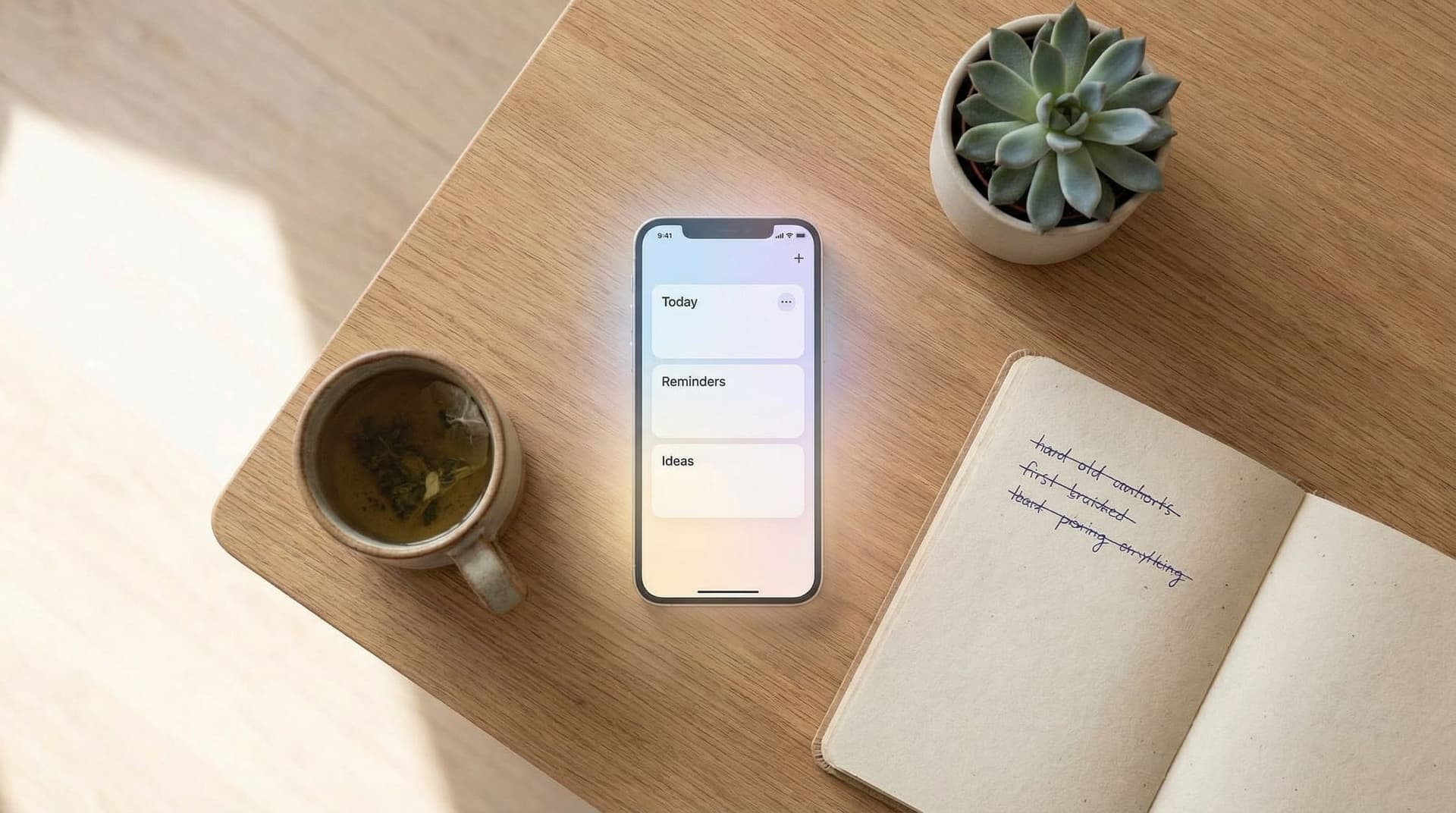
Using SelfNote as a Gentle Second Brain: Simple Structures for Ideas, Links, and Learnings


Using SelfNote as a Gentle Second Brain: Simple Structures for Ideas, Links, and Learnings
We carry a lot in our heads:
- Half‑formed ideas that might be worth exploring someday
- Articles and videos we want to come back to
- Lessons from work, therapy, books, or conversations
- Quiet personal insights that appear when we least expect them
When these stay scattered—across tabs, apps, and passing thoughts—they fade. You might remember the feeling of an idea, but not the details that made it powerful.
A “second brain” is simply a trusted place outside your head where these things can live and be found again. It doesn’t have to be complex, and it doesn’t have to be perfect. It just has to be gentle and dependable.
That’s where SelfNote can quietly help. By giving your thoughts, links, and learnings a soft landing—and letting AI do much of the organizing—you can build a calm, low‑maintenance second brain that supports you without demanding a lot in return.
What a Gentle Second Brain Really Is
A lot of “second brain” advice focuses on big systems: elaborate tags, rigid templates, and rules for everything. That works for some people, but it can also create pressure and guilt.
A gentler approach focuses on three things:
- Capture – Make it easy to drop things somewhere safe.
- Light structure – Just enough organization so future‑you can find them.
- Soft review – Occasional, low‑pressure moments to reconnect with what matters.
SelfNote is designed around this kind of softness:
- You can type a quick note or send a message through WhatsApp.
- You can ramble in voice and let AI turn it into clear text.
- The app automatically sorts notes into tasks, reminders, reflections, ideas, and more.
- It sends gentle WhatsApp reminders about things you’ve said are important.
If you like this idea of low‑friction support, you may also enjoy how we think about habits in Gentle Routines, Not Rigid Systems: Building a Low‑Friction Note‑Taking Habit with SelfNote.
A Simple Foundation: Three Buckets for Your Second Brain
You don’t need dozens of categories to feel organized. For most people, three simple buckets are enough:
- Ideas – Things you might want to create, try, or explore.
- Links – Articles, videos, tools, and resources you don’t want to lose.
- Learnings – Lessons, insights, and takeaways from your life and work.
You can let SelfNote do most of the categorizing automatically, but it helps to think in these three buckets when you capture.
Here’s how to use each one.
Bucket 1: Ideas – A Safe Place for Half‑Baked Thoughts
Ideas rarely arrive fully formed. They show up as:
- “What if I started a newsletter about…?”
- “Maybe I should change how I run Monday meetings.”
- “I’d love to write a short story about…”
The goal is not to judge them. It’s to catch them.
How to capture ideas with almost no effort
You can use SelfNote in whatever way feels easiest in the moment:
- Typing a quick note: “Idea – workshop for my team about better 1:1s.”
- Talking it out on WhatsApp: Record a 30‑second voice note about your idea, send it to SelfNote, and let AI turn it into text and label it as an idea.
- Jotting fragments: Even a single sentence is enough.
If speaking feels more natural when you’re tired or on the go, you might like the workflows in Voice Notes to Clarity: Using SelfNote on WhatsApp When You’re Too Tired to Type.
Light structure for ideas
You don’t need to decide whether an idea is for “work” or “personal” or “someday” right away. Start simple:
- Begin the note with “Idea:” or “Brainstorm:”
- Add one line of context: when or why it came up
- Optionally add a tiny next step: “Next: ask Sarah what she thinks.”
Over time, SelfNote will group your ideas and make them searchable. You can just keep tossing them in.
How to revisit ideas gently
Once a week—or whenever you feel like it—open your ideas and ask:
- Which of these still feels alive?
- Is there one small experiment I could try this week?
- Is there anything I can safely let go of?
You don’t have to act on every idea. The point is to feel that nothing is lost, and that you can always return when you have more energy or time.

Bucket 2: Links – Turning Bookmarks into a Personal Library
Many of us save links in five different places: browser bookmarks, screenshots, emails to ourselves, messaging apps, and random documents. The result is that we rarely see them again.
A gentle second brain doesn’t try to save every link. It helps you keep the ones that truly matter and makes them easy to find later.
A simple way to save links into SelfNote
Whenever you come across something you want to remember:
- Paste the link into SelfNote with one line of context:
- “Article about burnout and rest – want to read this weekend.”
- “Tutorial for setting up a budget – use when I’m ready to review finances.”
- Or send the link to SelfNote on WhatsApp with a short message about why it matters.
That one line of context is powerful. You’re not just saving a link—you’re saving why future‑you might care.
Light structure for links
You can keep this very simple:
- Start the note with “Link:” or “Resource:”
- Add a quick tag word in your own language, like “career,” “health,” “parenting,” or “writing.”
- Let SelfNote handle the rest—categorizing, making it searchable, and tying it to your other notes.
How to actually use your saved links
Once in a while, give yourself a calm 10–15 minutes to browse your saved links:
- Pick one topic that’s on your mind: “money,” “sleep,” “project X.”
- Search for that word in SelfNote.
- Open just one or two links and take one small action:
- Try one suggestion from an article.
- Add a single quote or learning into a new note.
- Decide that a link is no longer relevant and archive it.
This turns your link collection from a pile of “stuff I should read” into a small, living library that supports the questions you actually have.
Bucket 3: Learnings – Keeping the Lessons You Don’t Want to Forget
You’re learning all the time:
- From conversations with friends or partners
- From books, podcasts, and therapy
- From mistakes at work or experiments in your personal life
These moments often feel important in the moment—but they’re easy to lose unless you give them a place to land.
Capturing learnings in the moment
When something clicks, you can:
- Type a quick note like: “Learning – When I sleep less than 6 hours, I’m more reactive in meetings. Try earlier bedtime on work nights.”
- After a therapy session, speak a 1‑minute voice note into WhatsApp, summarizing what stood out.
- After a difficult day, jot down one sentence: “What I learned from today is…”
You don’t need to write an essay. A few lines are enough.
If you’re new to journaling, Journaling for People Who Don’t Journal: Low‑Pressure Ways to Start Using SelfNote Every Day offers more gentle ways to begin.
Light structure for learnings
To keep this easy:
- Begin with “Learning:”, “Note to self:”, or “Realization:”
- Add where it came from: “from book,” “from therapy,” “from talk with Alex,” “from mistake at work.”
- If helpful, add one tiny next step: “Next: try this approach in Tuesday’s meeting.”
SelfNote will then group these as reflections or insights, and you’ll be able to search them later by keyword or theme.
Revisiting your learnings without pressure
You don’t have to review every day. Instead, try:
- A gentle weekly check‑in: Scroll through your recent learnings and notice patterns.
- A monthly reflection: Ask, “What did I learn about myself, my work, or my relationships this month?” Use SelfNote’s search and categories to help you answer.
Over time, this becomes a quiet record of your growth—something many people wish they had, but rarely build because it sounds like too much work. Here, the app is doing most of the heavy lifting.

Letting AI Handle the Heavy Lifting
A common fear with any note‑taking system is: “I’ll never be able to find anything again.” That’s where AI support matters.
With SelfNote:
- Your quick, messy notes are automatically interpreted and sorted into helpful types like tasks, reminders, ideas, dreams, and reflections.
- You can search in plain language, not just exact keywords.
- Daily WhatsApp reminders gently surface what you said was important, so you don’t have to remember to check.
This means you can:
- Capture first, organize later—or not at all.
- Trust that you can say, “Show me my ideas about side projects,” and actually see them.
- Relax knowing that important reminders won’t vanish into the background.
If you’d like more concrete examples of how this works across different parts of life, you might enjoy Designing Your Personal Knowledge Hub: Simple SelfNote Workflows for Work, Home, and Creativity.
A Gentle Daily Flow (That Takes Just a Few Minutes)
You don’t need a strict routine to benefit from a second brain. But a soft rhythm can help.
Here’s a simple flow you can try and adapt:
Morning (1–2 minutes)
- Open SelfNote or WhatsApp.
- Capture one thing:
- An intention: “Today I want to be patient in meetings.”
- A task: “Remember to call the dentist.”
- An idea that popped up in the shower.
During the day (tiny moments)
- When you notice an idea, link, or learning, drop it into SelfNote with one line of context.
- If you’re tired, just speak a short voice note and let AI handle the rest.
Evening (3–5 minutes, or less)
- Glance at what you captured.
- Star or mark anything that feels especially important.
- Optionally, add one “Learning:” note about the day.
If you skip a day—or a week—that’s okay. Your second brain is there when you come back. No catching up, no guilt.
Keeping It Light: Principles to Avoid Overwhelm
To make your second brain feel like support, not another obligation, it helps to keep a few principles in mind:
- Small is enough. One sentence is a valid note. One link is a valid session. One idea captured is a win.
- Trust the app. Let SelfNote do the sorting and reminding. You don’t have to manage every detail.
- Follow your energy. Some days you’ll write more. Some days you’ll just send a voice note. Both count.
- Let go of perfection. Your notes don’t have to be neat, inspiring, or “worth saving.” Future‑you can always delete what doesn’t matter.
Over time, these small, imperfect moments add up to something powerful: a living record of what you think, notice, and care about.
Summary: A Soft Second Brain You Can Actually Live With
Using SelfNote as a gentle second brain is less about building a grand system and more about creating a soft place for your mind to land.
- You keep things simple with three buckets: ideas, links, and learnings.
- You capture in the quickest way available—typing or speaking—without worrying about structure.
- You rely on AI to sort, categorize, and surface what matters later.
- You revisit your notes occasionally, not obsessively, to reconnect with what’s important.
The result is a calm, searchable memory of your life that grows quietly in the background, without demanding strict routines or endless maintenance.
Your Next Gentle Step
You don’t need to “set up a system” to begin. You just need one small action.
Here’s a simple way to start right now:
- Open SelfNote or its WhatsApp chat.
- Add one note in each bucket:
- An idea you’ve been circling around.
- A link you’ve been meaning to read or rewatch.
- A learning from the last week you don’t want to forget.
- Close the app. That’s it.
Your second brain has already begun.
When you’re ready, you can add more. But even if all you ever do is give your thoughts a safe place to land, that alone can make your days feel a little lighter—and your mind a little clearer.